
A member of the Divi Facebook group asked a question I hear from clients every week:
“Do I need Claude AI to use for my Divi website, or does Divi AI do the same thing as Claude AI?”
So, Divi AI vs Claude: which one does a Divi website actually need? Here’s what the group said, and my own answer.
The replies were a good snapshot of how Divi users actually work with AI in 2026. Some swear by Claude, some use ChatGPT, a few think Divi AI is weak, and one person asked whether the poster was “just too lazy” to build the site themselves. I read every reply, checked the facts against Elegant Themes’ own documentation, and added what I’ve seen on client sites.
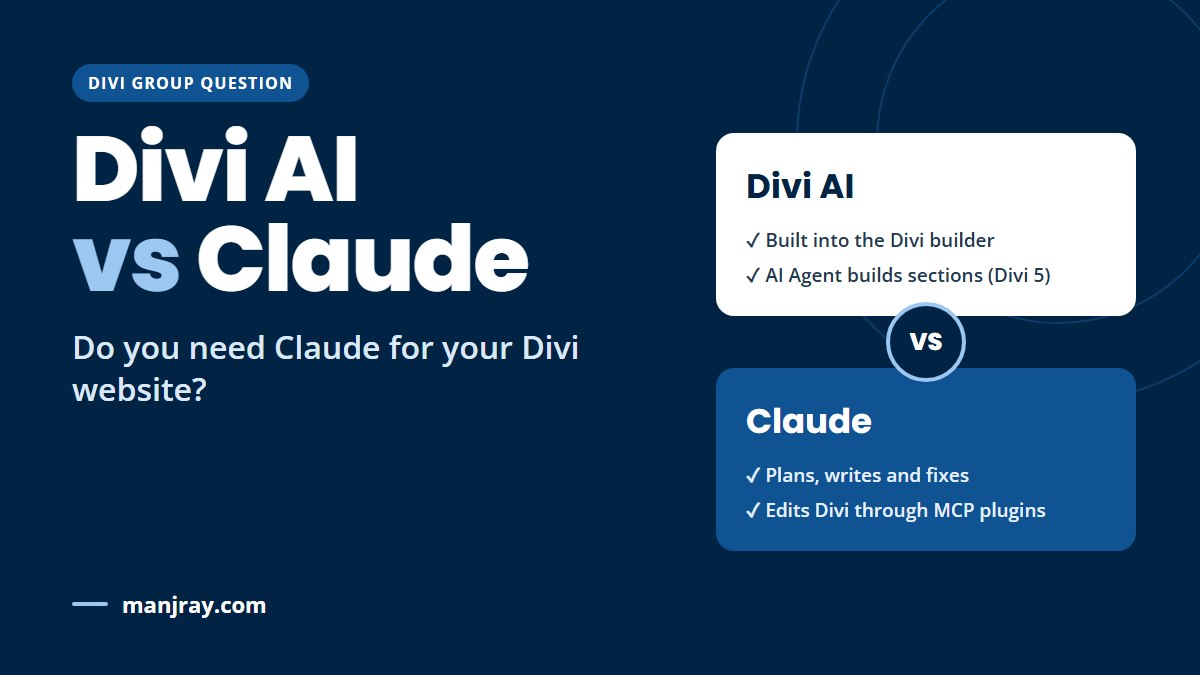
Quick answer: No, you don’t need Claude to build a Divi website, and you don’t need Divi AI either. They overlap but aren’t the same. Divi AI lives inside the Divi builder and, in Divi 5, has an AI Agent that can build and edit sections for you. Claude is a general-purpose assistant that’s stronger at planning, writing a lot of content and fixing problems, but on its own it can’t touch your site. It only becomes a “Divi tool” when you connect it, usually with an MCP plugin. If you just want help inside the builder, start with Divi AI or nothing. If you want help with the whole project, look at Claude.
I’m a WordPress and Divi developer and build and fix Divi sites for clients. Facts and prices below were checked in November 2026.
Disclosure: this post contains affiliate links. If you buy through them you pay nothing extra, but I may earn a small commission. I’m not connected to any of the AI plugins mentioned.
Divi AI vs Claude: what the Divi community said
The thread got 13 replies. Grouped together, they say a lot:
| What people said | Replies | The point |
|---|---|---|
| “I use Claude on my Divi sites and love it” | 6 | Building whole sites, creating pages, fixing issues they’d normally pay someone for |
| “I use ChatGPT instead” | 3 | One let ChatGPT’s agent log in and click around. Another used it to find speed problems |
| “Divi AI isn’t that great” | 2 | One tried Divi AI with Claude writing the content, didn’t like the result, and switched to Claude alone |
| Other tools / opinions | 2 | A mockup tool first, then built in Local WP. And one “are you just too lazy?” |
Three things stood out:
- Nobody said “you need Claude”. Even the biggest Claude fans described it as a choice. One member put it well: they use Claude, but didn’t get a Claude account just for Divi.
- How you connect the AI matters more than which AI you pick. People got good results through very different routes: an MCP plugin, a browser agent, WP-CLI, or importing JSON layouts. I cover each one below.
- Divi AI got little love, but most of those opinions are about the older, text-and-image Divi AI. The Divi 5 AI Agent is newer and does a lot more, so it’s worth a second look if you tried Divi AI a year ago.
What Divi AI does in 2026
Divi AI is Elegant Themes’ own AI, built into the Divi builder. It now comes in two parts:
- Divi AI (writing, images and code). Write or rewrite text in a module, generate and edit images, and write custom CSS or code. Works in Divi 4 (4.22+) and Divi 5.
- The Divi AI Agent (Divi 5 only). A chat panel in the Visual Builder that does real work: it adds modules, changes settings, builds whole sections, can build a page from a screenshot or URL, and can create pages and manage menus. It has an Ask mode (answers only) and a Build mode (makes changes).
The big advantage: it already knows Divi. There’s nothing to connect, no plugin to install, and changes appear right in the builder where you can see them.
The limits: it works inside the builder, one page at a time, and it’s not a strategy partner. It won’t plan your site structure, research keywords or write 20 service pages in your voice as well as a general assistant will.
Cost: Divi AI isn’t included in a basic Divi membership ($89/year). You can buy it on its own for $193/year (monthly billing is also available), or get it in Divi Pro for $277/year, which includes Divi itself. Text, image, code and layout generation is unlimited. The AI Agent is metered: you get a $5 monthly balance ($60 a year) that resets on your renewal date and doesn’t roll over, and heavier use is paid from an AI Wallet you top up. You can try Divi AI’s builder tools free for 100 uses (the Agent isn’t part of the trial). Prices checked November 2026; see Elegant Themes’ pricing page for current prices.
What Claude does for a Divi site
Claude (from Anthropic) is a general AI assistant, like ChatGPT. On its own, in a normal chat, it’s very good at:
- Planning a site: pages, structure, what each page should say
- Writing a lot of content in a consistent voice, if you teach it about your business first
- SEO: titles, meta descriptions, headings, FAQ sections
- Fixing problems: explaining an error, writing CSS or PHP, finding why something is slow
But in a normal chat it can’t see or change your website. You copy and paste between the chat and Divi. That’s fine for a few paragraphs and tedious for a whole site.
It starts to feel like a Divi tool when you connect it to your site. Most of the “I love Claude” replies in the thread came from people who had done exactly that.
Divi AI vs Claude at a glance
| Divi AI | Claude | |
|---|---|---|
| Where it works | Inside the Divi builder | In a chat app. Connects to your site only if you set it up |
| Knows Divi | Yes, built in | Knows about Divi. Needs a connector to edit Divi layouts properly |
| Builds sections and pages | Yes, with the AI Agent (Divi 5) | Yes, through an MCP plugin, browser agent or layout import |
| Plans a whole site | Limited | Strong |
| Writes lots of content | One module or page at a time | Strong, especially once it knows your business |
| Fixes code and site problems | Writes CSS and code snippets | Strong, and can run tools if connected |
| Setup | None | None for chat. A plugin or tool to connect it to your site |
| Divi version | Agent needs Divi 5 | Chat works with any. Most Divi plugins for it need Divi 5 |
| Cost | $193/year on its own, or in Divi Pro ($277/year). Agent: $5/month balance, then top-ups | Free plan (includes connectors). Pro is $20/month, or $17/month billed yearly |
5 ways Divi users connect AI to their site (from the thread)
This is the most useful part of the discussion. Here are the routes people actually used, from easiest to most technical.
1. Copy and paste
Ask Claude or ChatGPT for the text, paste it into Divi modules yourself. One member had Claude write the content and Divi AI build the layout. Slow for big sites, but you stay in full control and nothing can break.
2. Let a browser agent click through wp-admin
One member just opened ChatGPT, logged in during the chat, and let it do the work. No Divi AI, no plugin. Agent modes in ChatGPT and Claude can drive a browser (with Claude, that’s Claude in Chrome, which needs a paid plan). It works, but it’s slower, it can misclick, and you’re giving an AI your login. Use a separate user with limited permissions, and try it on a staging copy first.
3. Connect Claude to Divi with an MCP plugin
MCP (Model Context Protocol) is a standard way for an AI assistant to talk to your site directly instead of clicking through screens. Plugins mentioned in the thread:
- JHMG AI Editor for Divi 5: free on WordPress.org, made for Divi 5. It checks every layout change before saving and keeps undo history. Its developer answered in the thread (and disclosed it), and another member said it’s “been great so far”.
- Novamira: gives Claude broad access to WordPress, including PHP, files and the database. One member said it gave them “the best experience” and a complete site. That power is also the risk: Novamira itself says it’s meant for development and staging sites.
This is the route most of the happy Claude users took. It’s faster than a browser agent and the plugin can stop broken layouts from being saved.
4. Generate layouts as JSON and import them
The most detailed story in the thread: a member tried Divi AI six months ago and didn’t like it. Two months ago they asked Claude to create the whole site without Divi AI. Claude produced every page, section, layout and link as Divi .json files to import. They had “educated Claude intensively” about themselves, their non-profit and their book first, and ended up editing only about 10% of the text. That last part is the real lesson: the AI is only as good as the brief you give it.
5. WP-CLI, database dumps and Git (for developers)
One member taught Claude to use WP-CLI on their Divi sites. Claude dumps the database after every change and the code is in Git, so every change can be undone. This is how I’d run it on client sites, but it needs server access and some comfort with the command line.
Before you let any AI edit your site
- Work on a staging copy first, not your live site.
- Make a full backup before every AI session.
- Use a separate WordPress user for the AI, with only the permissions it needs. Never give it your main admin password.
- Check every page on desktop and phone afterwards. AI-built layouts often look fine on desktop and break on mobile.
- Read the content. AI gets facts, prices and phone numbers wrong with total confidence.
“Isn’t this just being lazy?”
One reply asked exactly that. It’s a fair challenge, and the answer is in another reply: a member has Claude build with Divi so they can still edit the site themselves later.
That’s the right way to think about it. Using AI to do the repetitive parts (laying out 15 similar pages, writing first drafts, finding a CSS fix) isn’t lazy, it’s what you’d pay a junior developer for. But you still need to know what a good page looks like, check what the AI did, and be able to fix it. Building in Divi rather than letting AI write a custom-coded site keeps the site editable by you, and by anyone you hire later.
Divi AI vs Claude: which should you use?
Divi AI is enough
- You’re on Divi 5 and want help inside the builder
- You need text tweaks, images or a few new sections
- You don’t want to set anything up
- You already have Divi Pro
Add Claude
- You’re planning or rebuilding a whole site
- You need a lot of content in your voice
- You want help with SEO, speed or code problems
- You’re happy to install an MCP plugin (on staging first)
You don’t need either
- Your site is small and already works
- You only change a few things a year
- You’d rather pay someone than learn a new tool
If you’re still on Divi 4, note that the Divi AI Agent and most Claude-for-Divi plugins need Divi 5. My Divi 5 vs Divi 4 guide explains how to upgrade safely first.
Do you need to pay for both?
No. Pick based on where you spend your time:
- Most of your time in the builder? Divi AI (or Divi Pro) is the simpler choice.
- Most of your time planning, writing and fixing? Claude on its Free or Pro plan, plus a free MCP plugin, covers it.
- Already pay for ChatGPT? Several members use it for the same jobs. The connection method matters more than the brand.
Some people use both: Claude for planning and content, Divi AI for quick edits in the builder. That works, but start with one and add the other only if you hit a real limit.
Want AI speed without the risk?
I build and fix Divi sites for clients, using AI where it helps and checking every page by hand. I can also set up Claude or Divi AI on a staging copy of your site, so you can use it safely yourself.
Frequently asked questions
Do I need Claude AI to build a Divi website?
No. You can build a Divi website with no AI at all, with Divi AI, or with another assistant such as ChatGPT. Claude is helpful for planning, writing content and fixing problems, but it isn’t required.
Is Divi AI the same as Claude?
No. Divi AI is built into the Divi builder and knows Divi, and in Divi 5 its AI Agent can build and edit sections. Claude is a general-purpose assistant that is stronger at planning and writing, but it can only edit your site if you connect it, for example with an MCP plugin.
Can Claude edit my Divi site directly?
Yes, if you connect it. The usual way is an MCP plugin such as JHMG AI Editor for Divi 5 or Novamira. Claude can also drive a browser and click through wp-admin, or generate Divi layouts as JSON files for you to import.
Is Divi AI included with Divi?
No. Divi AI is a separate subscription ($193/year in November 2026) or part of Divi Pro ($277/year, which includes Divi). Each subscription includes a $5 monthly balance for the Divi AI Agent, which does not roll over.
Does the Divi AI Agent work in Divi 4?
No. The Divi AI Agent needs Divi 5. Divi AI’s text, image and code tools work in Divi 4.22 and later.
Is it safe to let AI edit my WordPress site?
It can be, if you work on a staging copy, make a backup first, give the AI its own user with limited permissions, and check every page afterwards. Don’t let any AI edit a live store during a busy sales period.
Final verdict
In the Divi AI vs Claude debate, the two aren’t rivals so much as different tools. Divi AI is the easy option inside the builder, and the Divi 5 AI Agent makes it much more capable than it was. Claude is the better partner for the whole project: planning, content, SEO and fixes, and with an MCP plugin it can build Divi pages too.
The Divi community’s experience points the same way: the people happiest with AI were the ones who connected it properly, taught it about their business, and kept checking its work.
Don’t have Divi yet? New sites start on Divi 5, so you can try the AI Agent straight away. If you’re buying this month, wait for the Divi Black Friday sale: it’s the cheapest time of year to get Divi and Divi AI.
Get Divi from Elegant Themes →
Do you use Divi AI, Claude or ChatGPT on your Divi site? Tell me what worked in the comments.
0 Comments